
Google Play Store PC
Google Play is Google's digital distribution platform. On Windows, Google offers Play content through the browser and Google Play Games on PC.
52.9 MB

TranslucentTB is a small free and open-source Windows tool that makes the taskbar transparent, blurred or tinted, with different looks for different situations.
Average 0.0 · ratings: 0
Thank you! Your rating is saved; you can change it. Could not save the rating. Please try again later. Too many ratings from your network today. Please try again tomorrow. The average appears after 5 ratings.
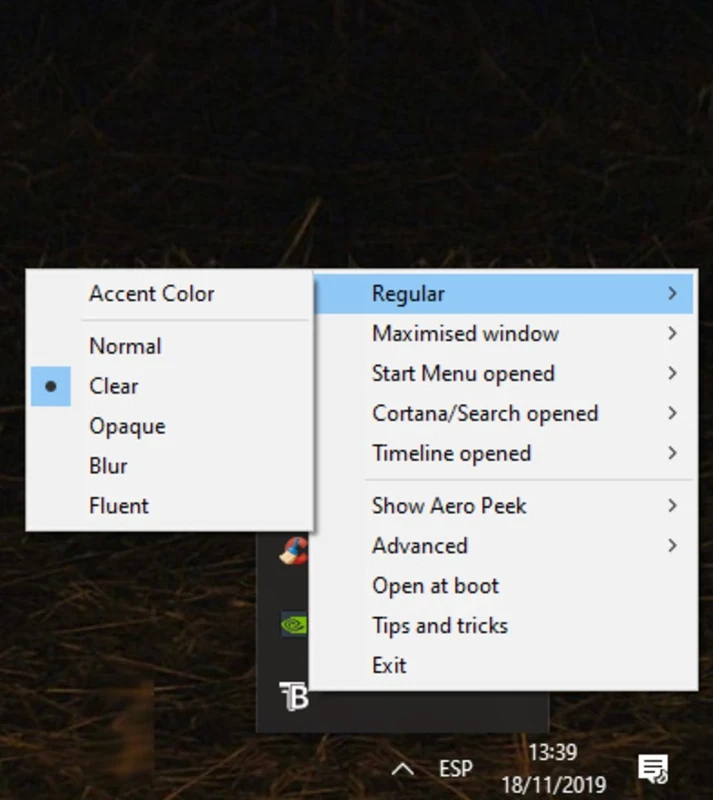
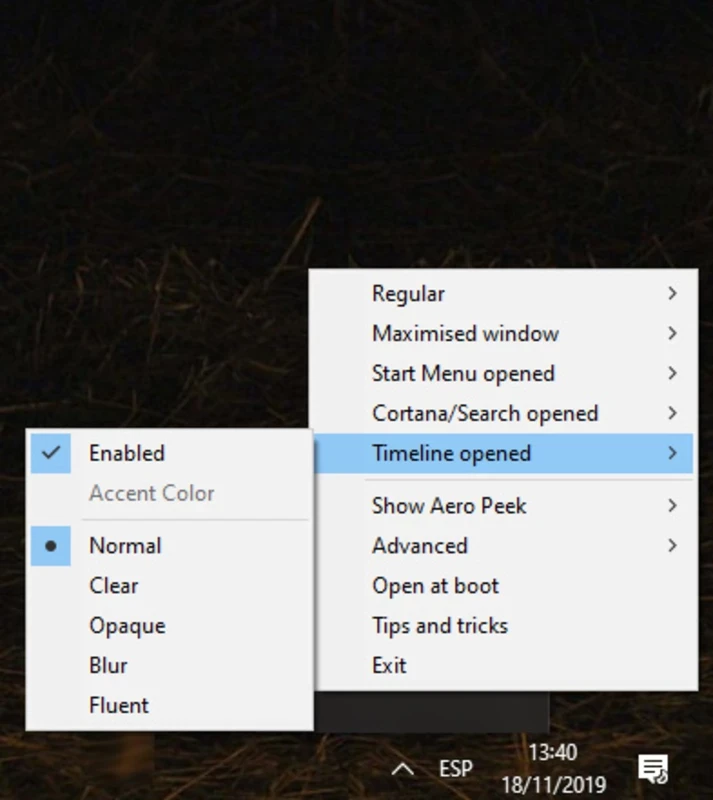
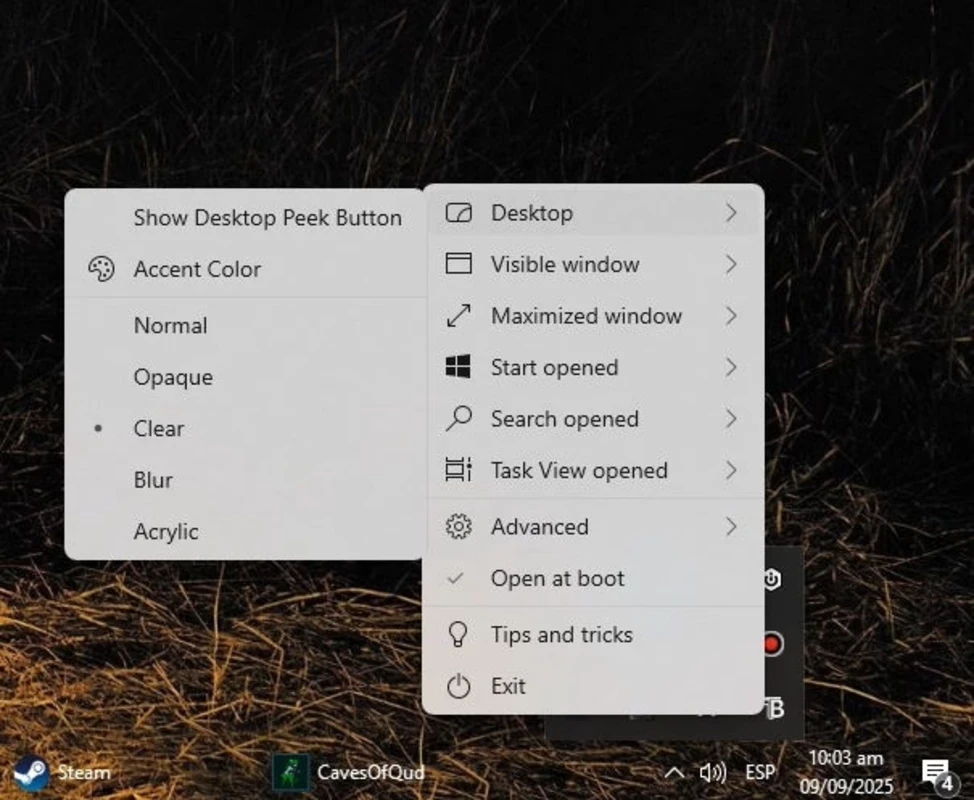
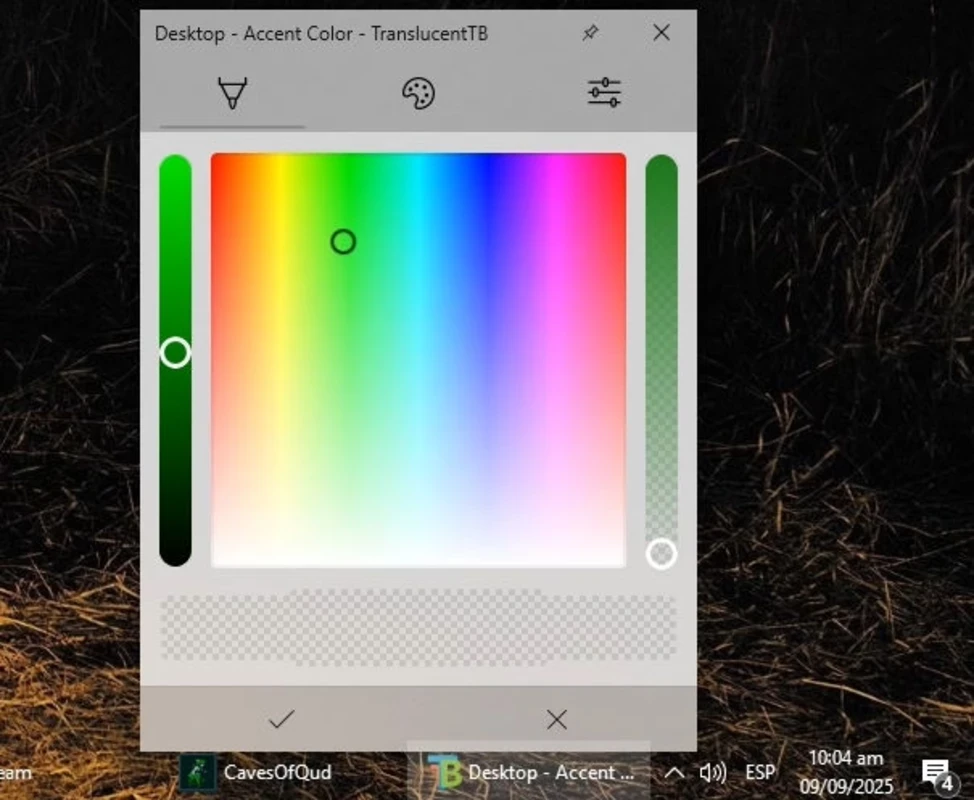
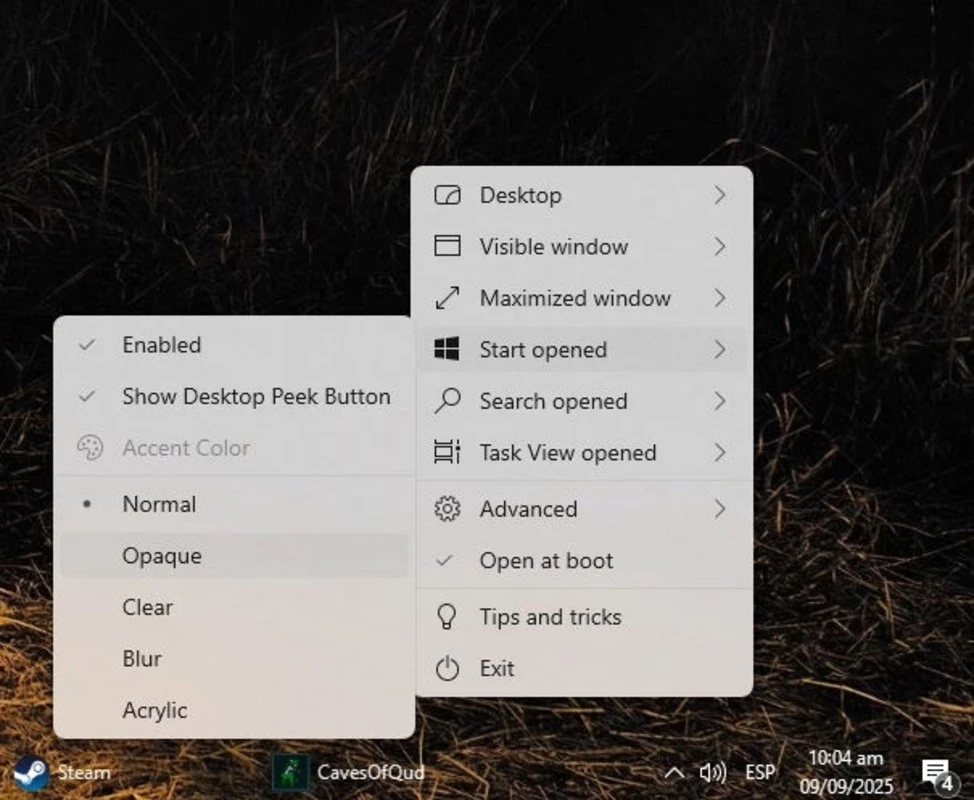
TranslucentTB 2026.2.0 is a small, free and open-source tool for Windows that changes the look of the taskbar. You download TranslucentTB when the solid default bar feels heavy and you want it clear, blurred or tinted so your wallpaper shows through.
Windows gives you only a few options for the taskbar colour, and none for real transparency. TranslucentTB fills that gap. It runs quietly in the notification area and applies one of several effects to the taskbar: fully clear, a colour tint with adjustable opacity, blur, or the acrylic material used elsewhere in Windows. The clever part is that the appearance can change with the situation. You can set one style for the desktop, another when a window is maximised, a third when the Start menu or search is open, and yet another for Task View. For example, the bar can be completely transparent on an empty desktop and turn solid dark when you open a full-screen browser, so text stays readable. The program uses very little memory and CPU, since it only reacts to window events. It is developed openly on GitHub, where anyone can read the code and report issues.
The package is tiny, about 1.68 MB according to catalogue data.
The source code is public, and the program does not need administrator rights for normal use. Get it from the official site, the Microsoft Store or the GitHub repository; repackaged copies on unknown sites may bundle adware.
Major Windows updates sometimes change how the taskbar is drawn, and an effect may stop working until the next TranslucentTB release. If that happens, choose Normal or exit the app from the tray, and everything returns to the default look.
TranslucentTB is free, with no ads or paid features.
For other desktop tweaks, see Lively Wallpaper on our site, which puts animated backgrounds behind a transparent bar nicely. For practical system tools, there are CPU-Z and Total Commander.
Google Play is Google's digital distribution platform. On Windows, Google offers Play content through the browser and Google Play Games on PC.
Media Creation Tool is a free Microsoft utility that downloads Windows and turns it into a bootable USB flash drive or an ISO file.

LDPlayer is an Android emulator for Windows that runs mobile apps and games on a computer.

BlueStacks is an Android emulator for Windows that lets you run Android apps and games on your PC.
Rufus is a free Windows utility that turns a USB stick into a bootable installer. The current version is 4.15.

PC App Store is a free software store for Windows from Baidu for finding, installing and updating PC programs. This page covers version 5.0.1.8682.

Uptodown App Store for Windows is the desktop client of Uptodown, a marketplace for desktop software and mobile apps. This page covers version 1.0.3.
NoxPlayer is a free Android emulator from Bignox for Windows and macOS that runs mobile games and apps on a computer with keyboard and mouse control.